BOOMSCROLLING / THE MEANING
What is boomscrolling?
Boomscrolling is scrolling a feed and coming back with something worth saying. You read a real post, work on a response and choose whether to share it under your own name. It’s also the name of BoomScrolling, Fort Rock Media’s app for turning posts you read into drafts you can edit and share on X.
You can enjoy scrolling and still wonder what happened to the last twenty minutes. You read a good argument. You learn something strange about the Moon. You develop a strong opinion about a man you will never meet.
I’d like to come back with something of my own.
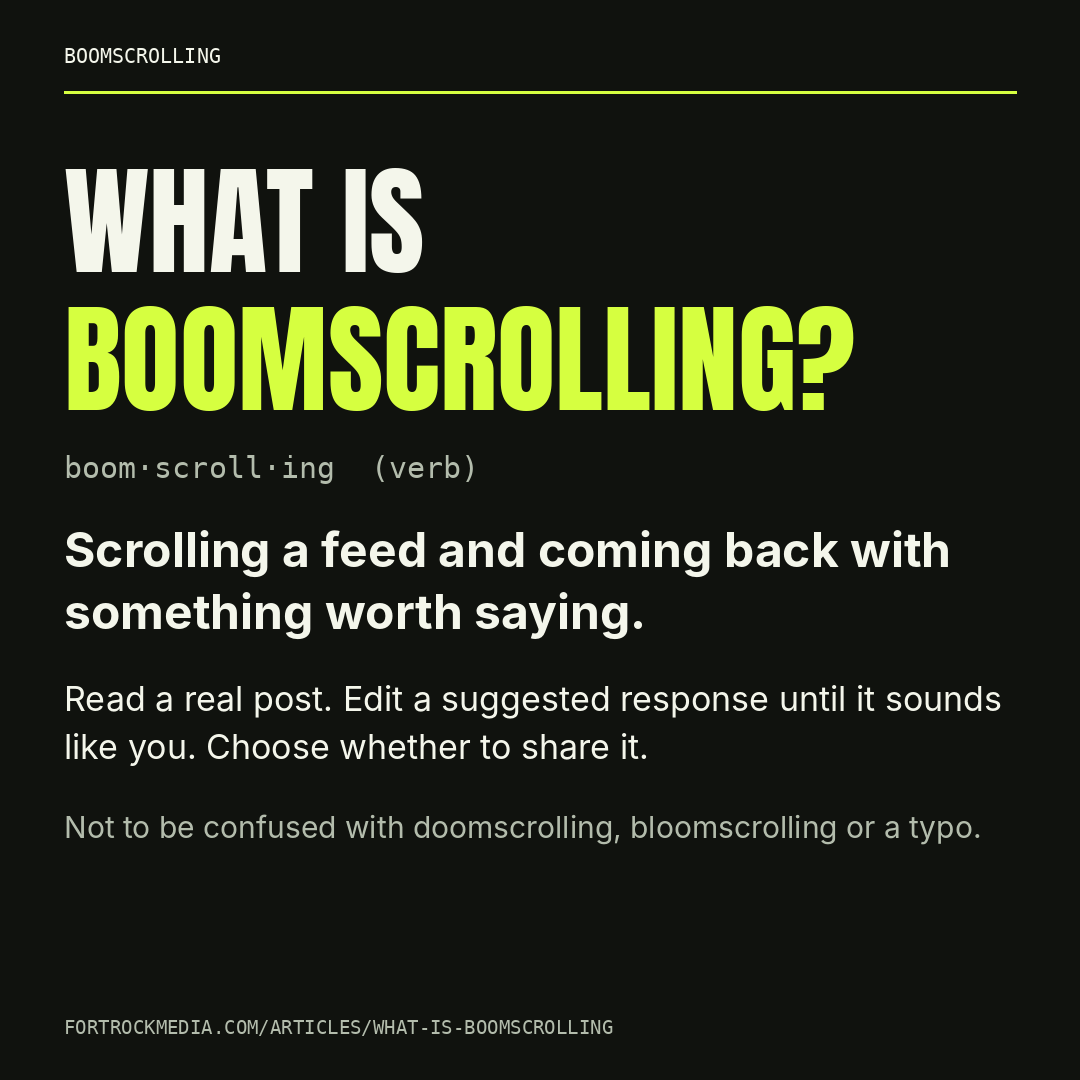
Boomscrolling, boom scrolling, BoomScrolling.
One word, lowercase, is the activity: “I was boomscrolling.” Two words, “boom scrolling,” is the same thing typed by someone in a hurry. Capital B, capital S is the app.
None of them is a misspelling of doomscrolling, whatever Google tells you.
One word, at least seven meanings.
We didn’t invent the word. Several people got there independently, and they didn’t agree with each other either:
- Good news for a change. A user-submitted Urban Dictionary entry displays a 2020 date and uses it for scrolling through positive election news.
- Boomers reading the news. A second entry on the same page, dated 2022, gives the word to an older generation and their headlines.
- Finding music. In a 2025 music newsletter, Valerie S. used it for discovering new songs through social feeds.
- Over-optimizing your life. A Substack note by Sarah Smith coined it again for trying to make every part of your life “boom” instead of living it.
- Positive digital engagement. A 2025 conference paper, “Boomscrolling: Designing Algorithmic Pathways to Counteract Doomscrolling through Positive Digital Engagement,” uses it for feeds designed to pull the other way.
- Post-election optimism. Dave Schilling used it in a November 2026 Guardian column.
- Bloomscrolling, misspelled. Some articles about bloomscrolling, the curate-a-happier-feed trend, drop the L partway through. Google’s AI Overview now says boomscrolling is “often spelled bloomscrolling.”
Those are earlier uses, not proof of who said it first. The word is doing well for something a search engine thinks is a typo.
Most of these meanings are about what you take in: better news, better music, a better mood. Ours is about what comes out. For the three most-confused words side by side, see boomscrolling vs doomscrolling vs bloomscrolling.
From a source to something you’d say.
BoomScrolling pairs real posts with suggested responses. The suggestion is from the app; it is yours to edit or reject. Reading something you like doesn’t mean you want its suggested response on your account.
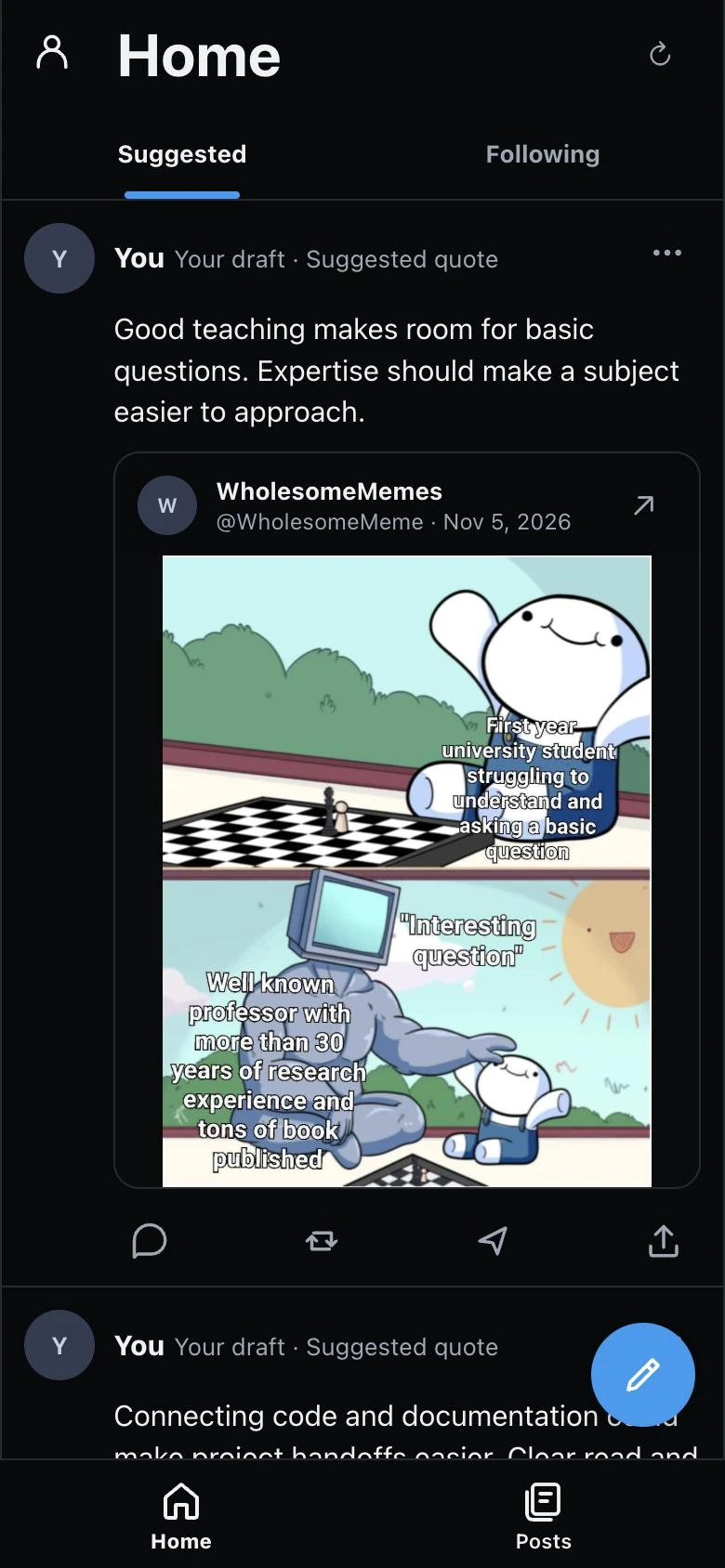
Here’s a small worked example from the starter feed:
- The app’s suggestion
- Good teaching makes room for basic questions. Expertise should make a subject easier to approach.
- One possible human edit
- The useful question is often the one everybody is hoping somebody else will ask.
- The decision
- Keep it, change it again or pass. A neat sentence still needs to be something you want to say.
Try a different edit if it sounds more like you.
How to boomscroll.
- Open the free feed and inspect an original source.
- Read its suggested response. Edit the words or move on.
- Sign in with ChatGPT if you want to save your drafts and preferences.
- When you want to share, continue to X, check the words and account, and send it yourself.
The public starter feed is a prepared selection of real conversations. It is not a live personalized Following feed. The public starter feed uses a manual handoff to X, and opening X does not establish that a post was sent.
For the story behind the app, read why we made BoomScrolling. For the walkthrough with screenshots, read the simple guide.
Quick answers.
Is boomscrolling a real word?
It’s real enough that at least seven people have defined it and no dictionary has. That’s the stage where a word is still up for grabs.
Is boomscrolling the opposite of doomscrolling?
Some people use it that way. Ours isn’t an opposite so much as a different ending: same feed, same thumb, but you leave having said something.
Is boomscrolling the same as bloomscrolling?
No. Bloomscrolling is curating a feed that makes you feel better. Boomscrolling, our kind, is writing a reply and deciding whether to post it. One changes the input. The other adds an output.
Is boomscrolling for boomers?
One Urban Dictionary entry says so. The app has no age requirement in either direction. If you’ve ever said “somebody should tell this guy” out loud to a phone, you qualify.
Does BoomScrolling post for me?
You review and send replies in X yourself. On a paid plan you can also schedule an original post. Connect X with write permission, then approve the exact words, account and schedule. Saving a draft keeps it private.
What does it cost?
The private feed and your own agent are free, with 100 new drafts each calendar month. The $5/month and $20/month plans add more drafts and bounded X Following reads. Compare plans.
Come help shape it.
I’m opening the side door before I start calling it a platform. Try one conversation. Tell me which part you’d keep, change or throw away.
Send me your first impressions. The useful question is whether you left with something worth saying.